

Plex
Browse and play your movies and shows, pick up where you left off, and explore collections and playlists. Direct play or a server transcode when needed, with HDR and Dolby Vision on supported setups.
Free
Out nowApple TV Coming sooniPhone · iPad · Mac
Settle in with the movies and shows you love. Watch your Plex library and run Sonarr, Radarr, Seerr and Tautulli from the same app. Free to download.
Get it for Apple TV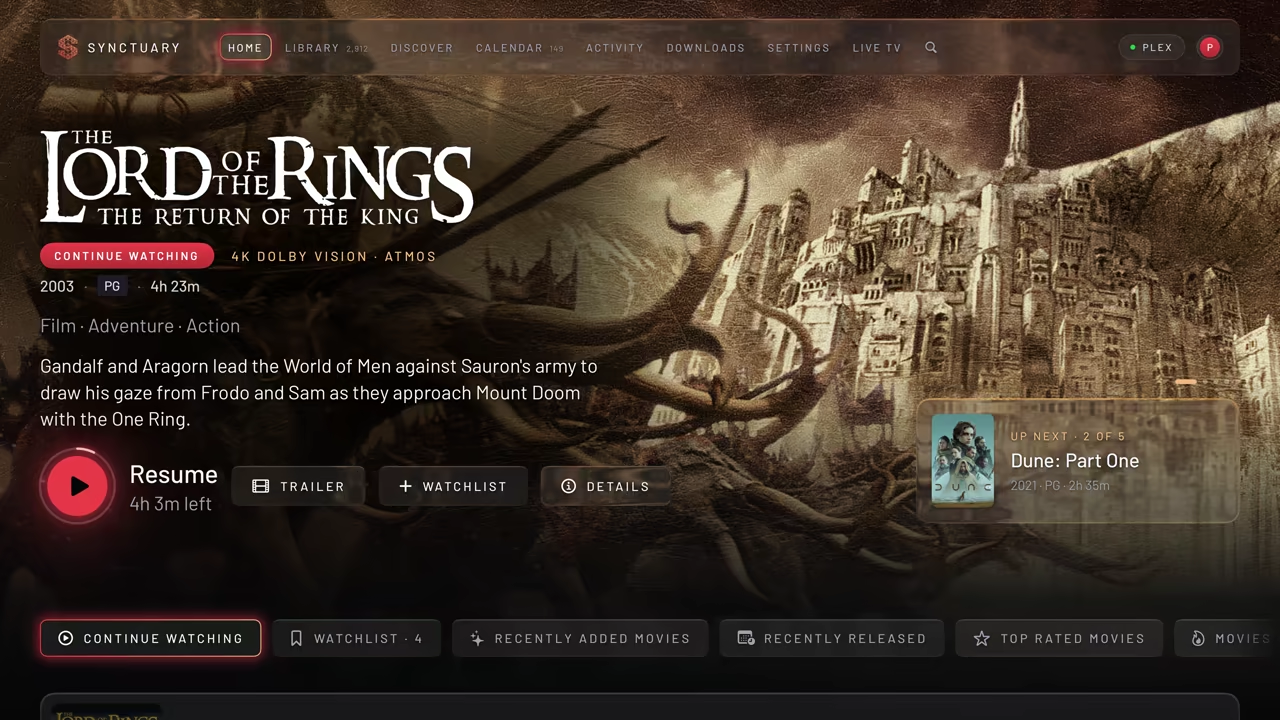
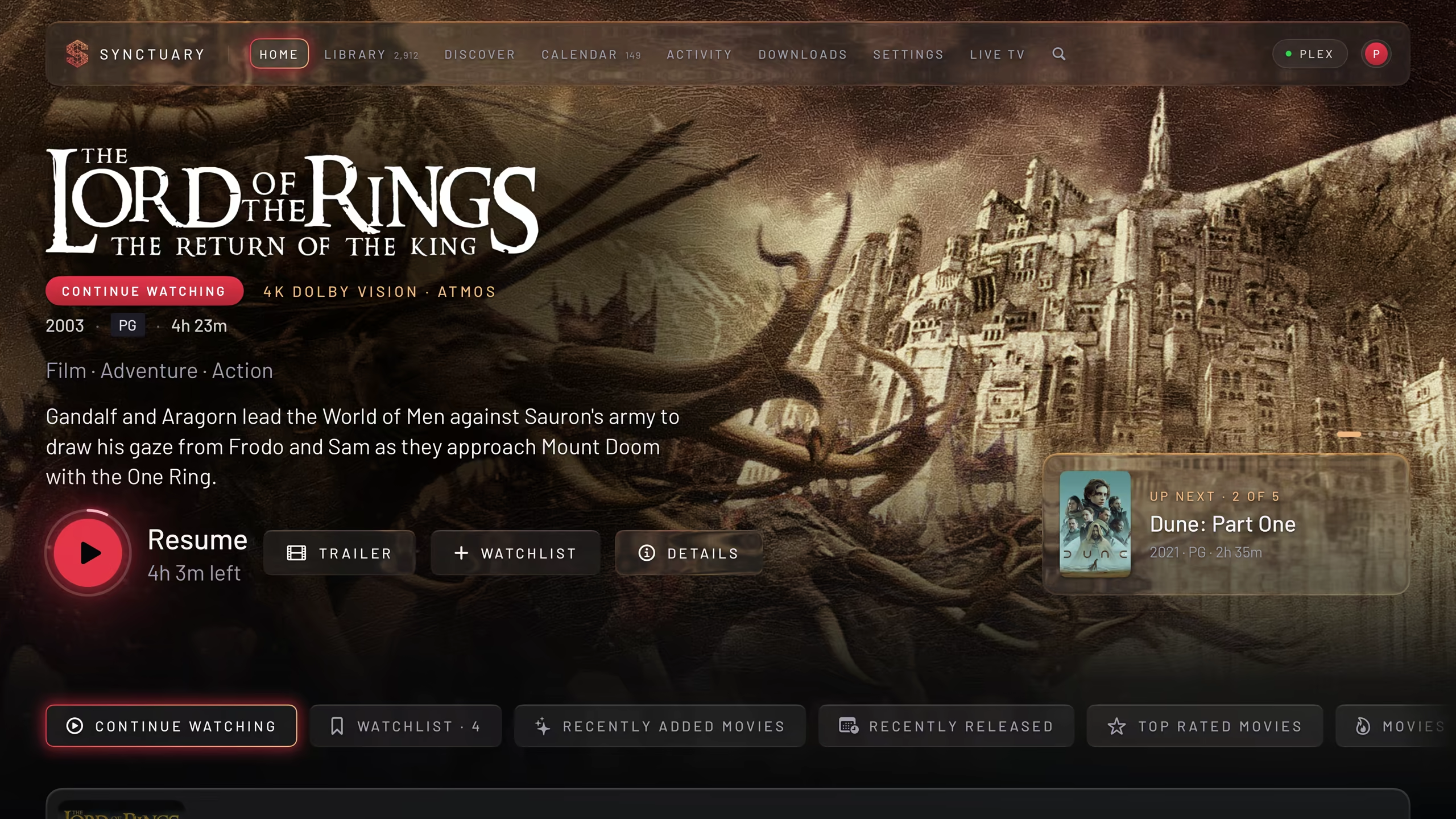
Home Your movies and shows, on iPhone, iPad, Mac and Apple TV.
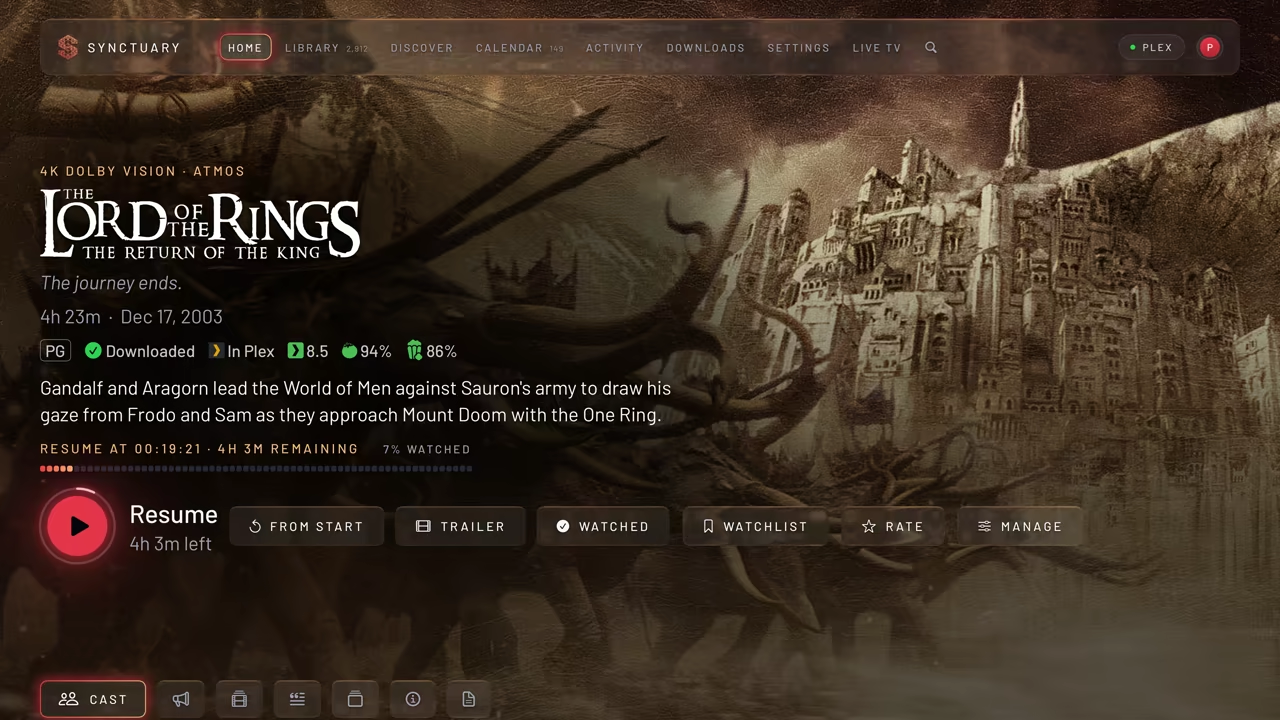
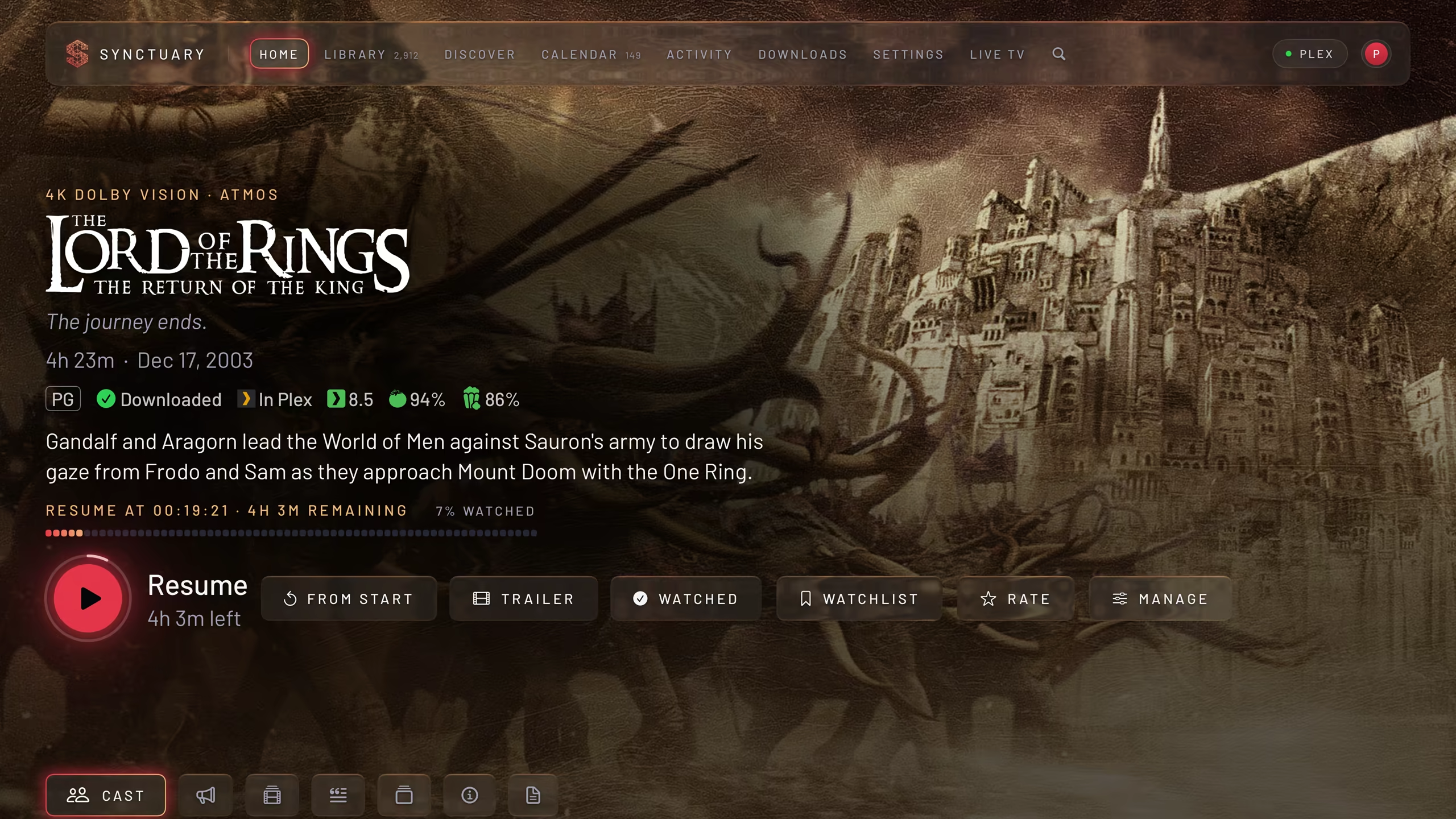
A title’s page Direct play or a server transcode when needed, with HDR and Dolby Vision on supported setups.
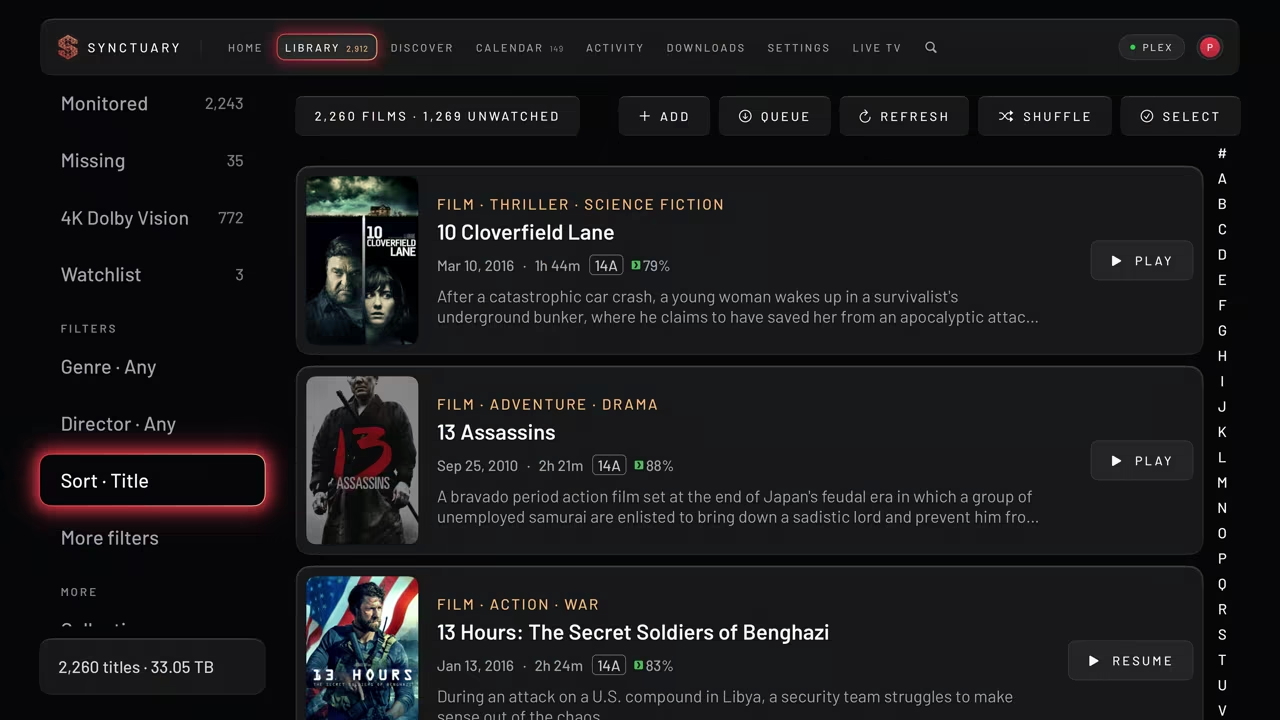
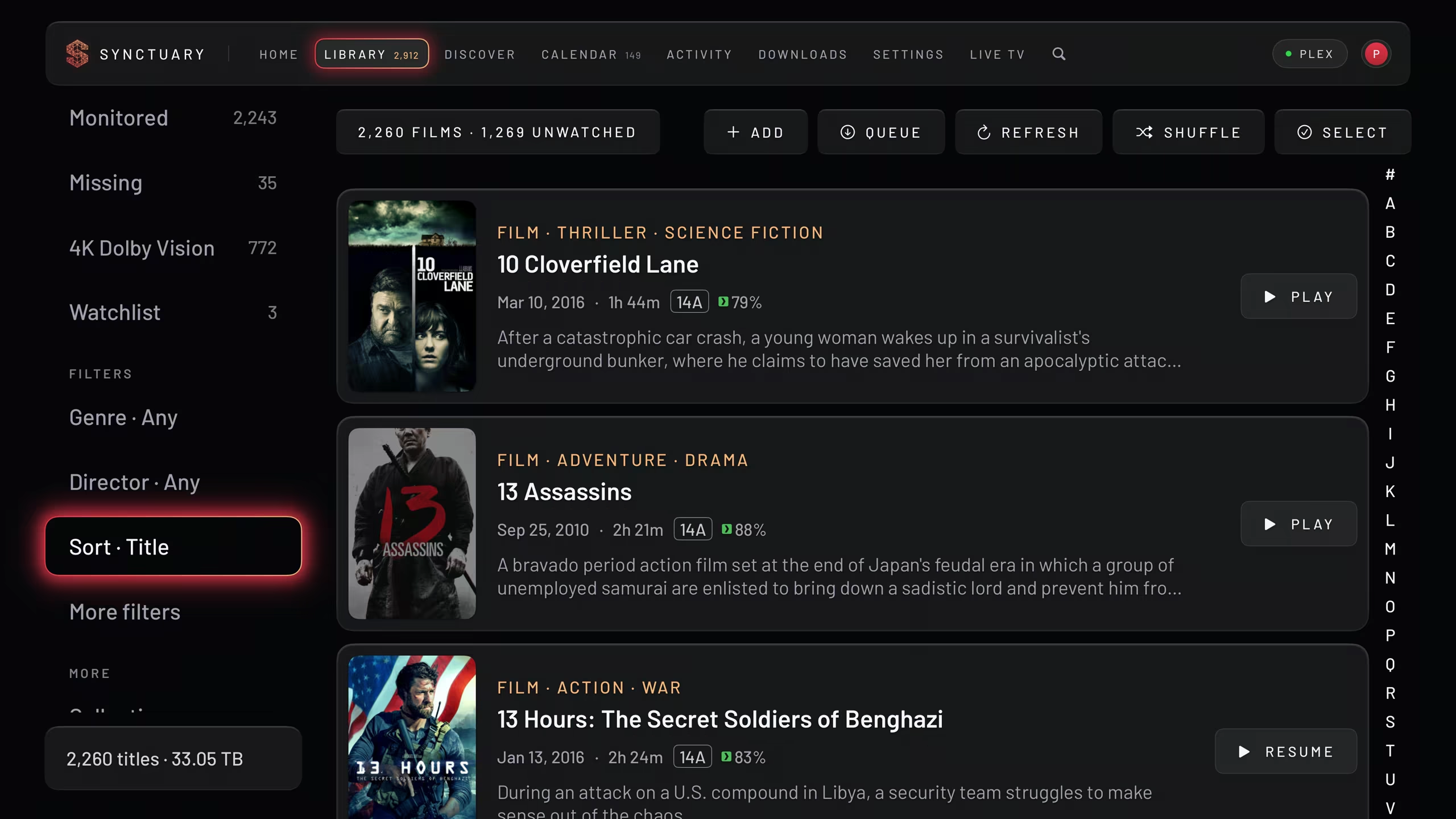
Library Browse your library without the hunt. Sort, filter, and find the film you had in mind.
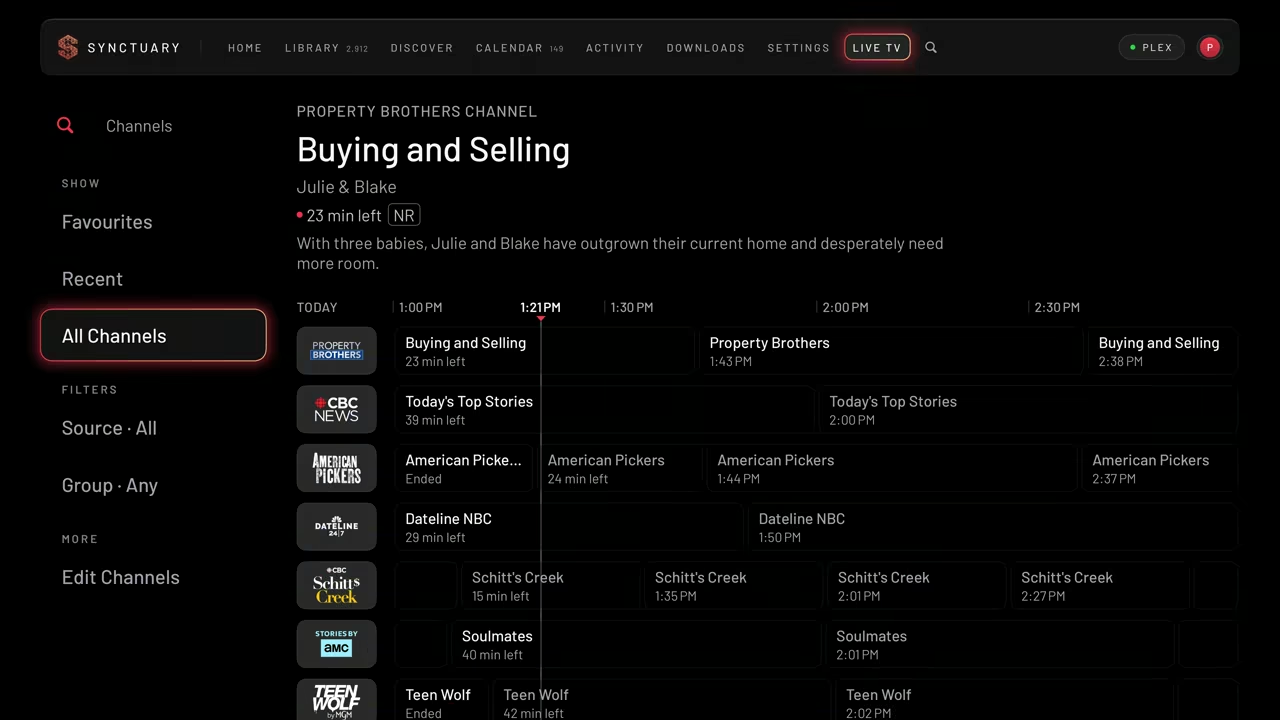
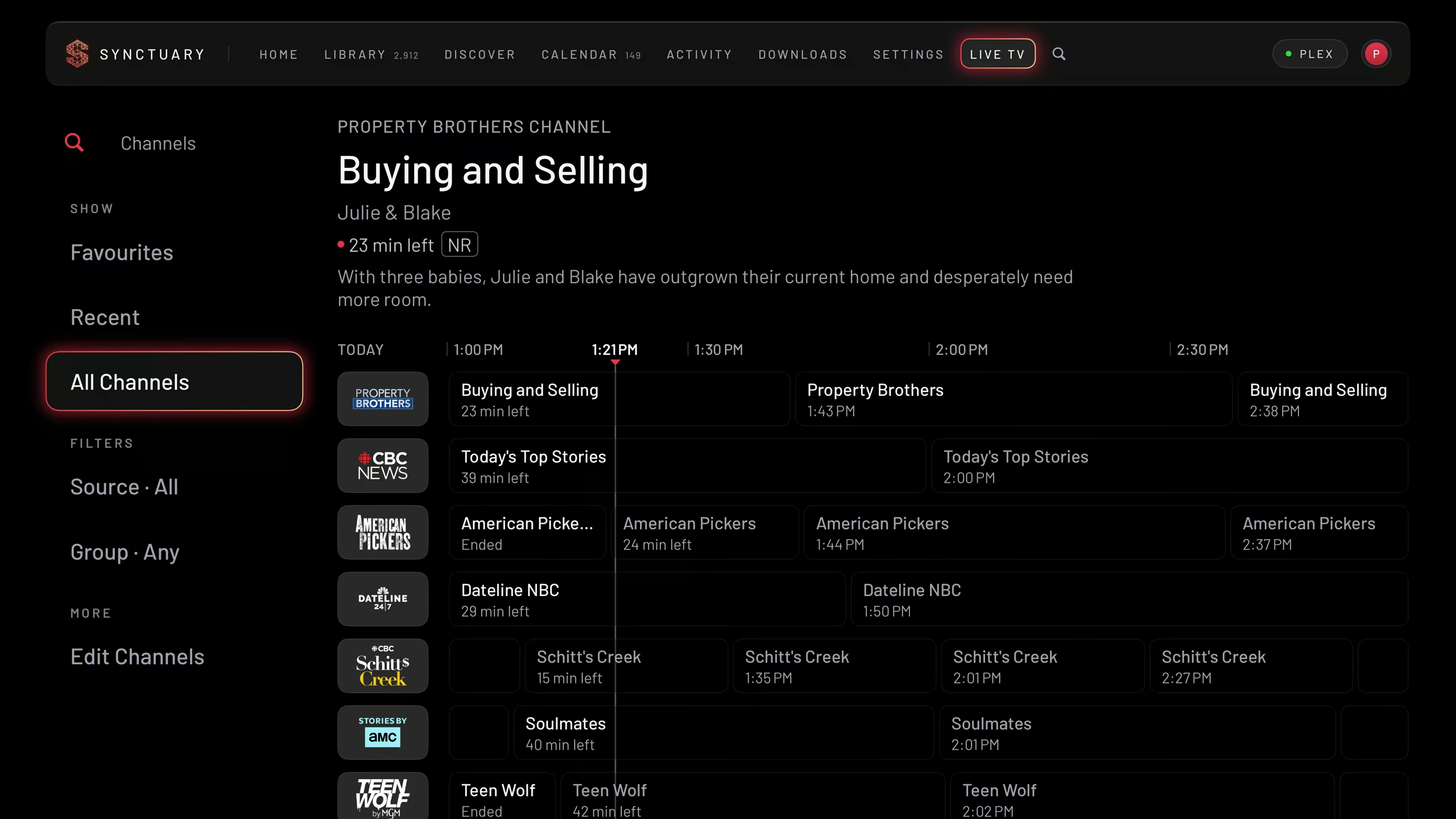
Live TV Browse Plex’s free live channels. With PRO, add your own IPTV playlist or provider login.
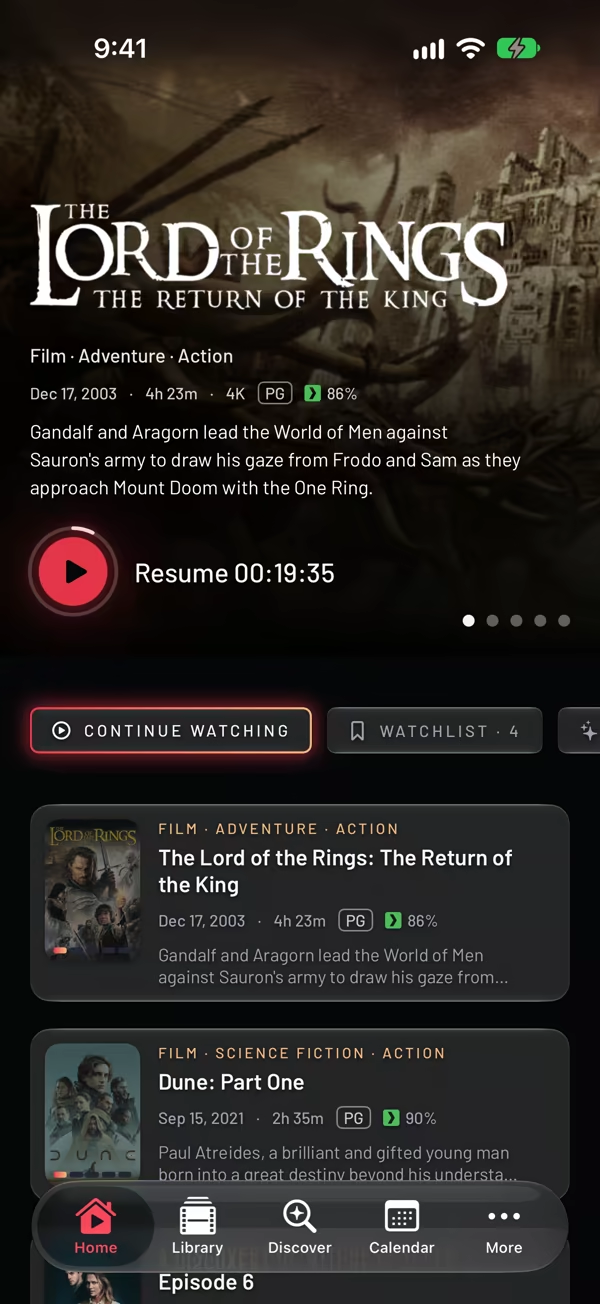
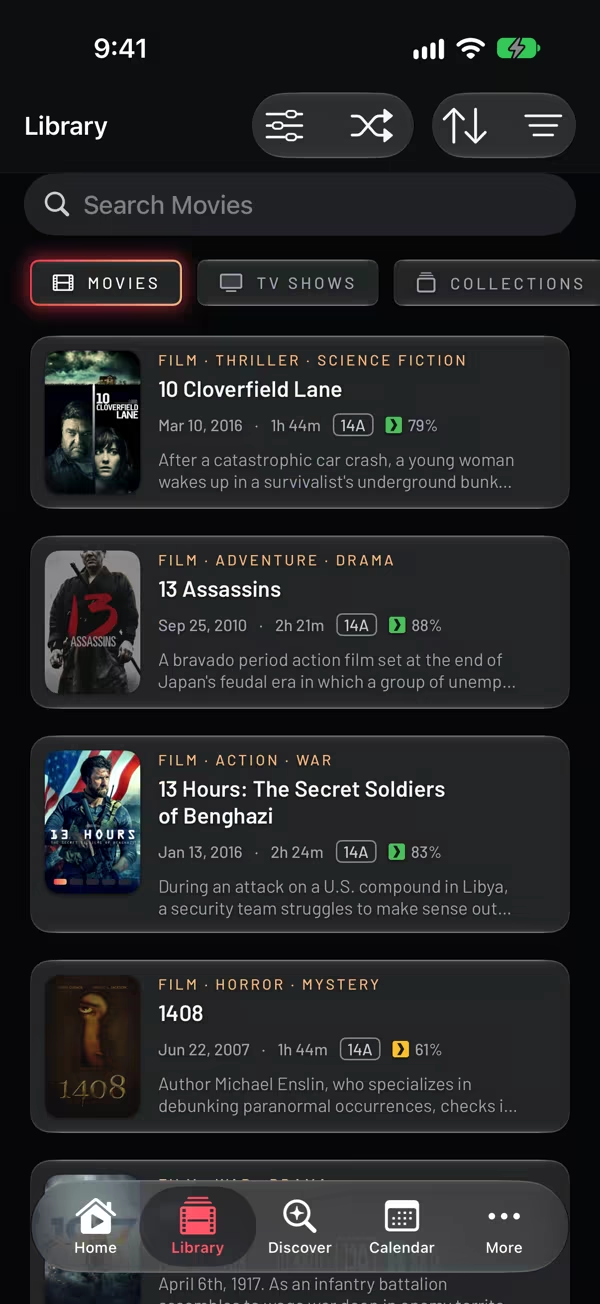
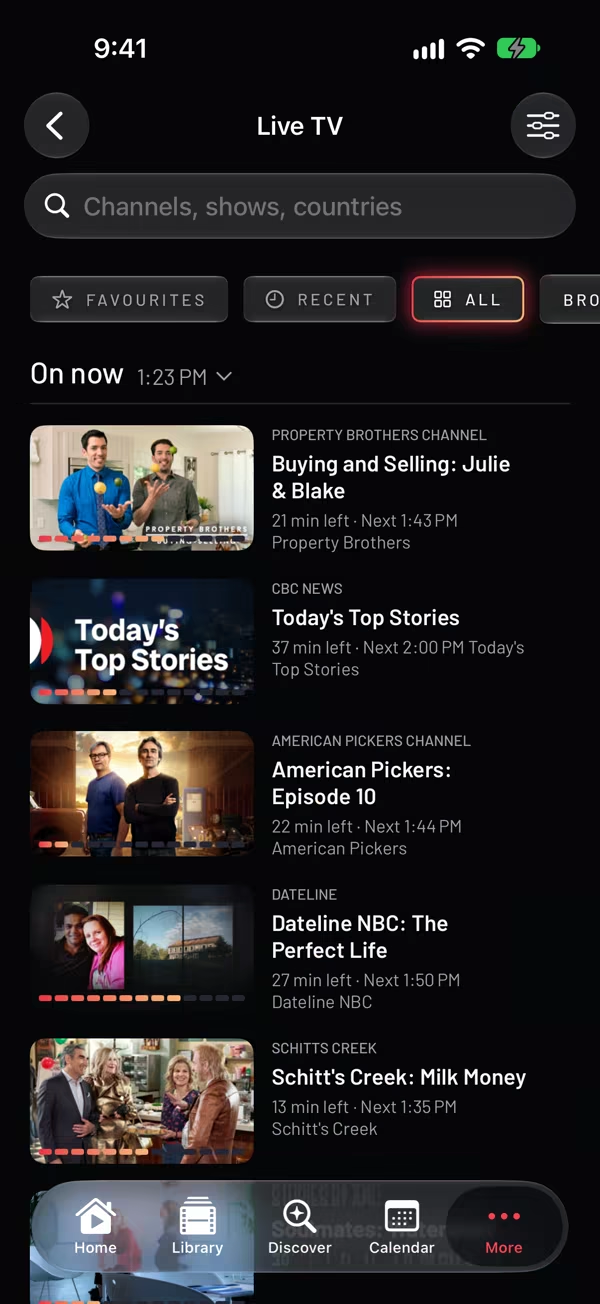
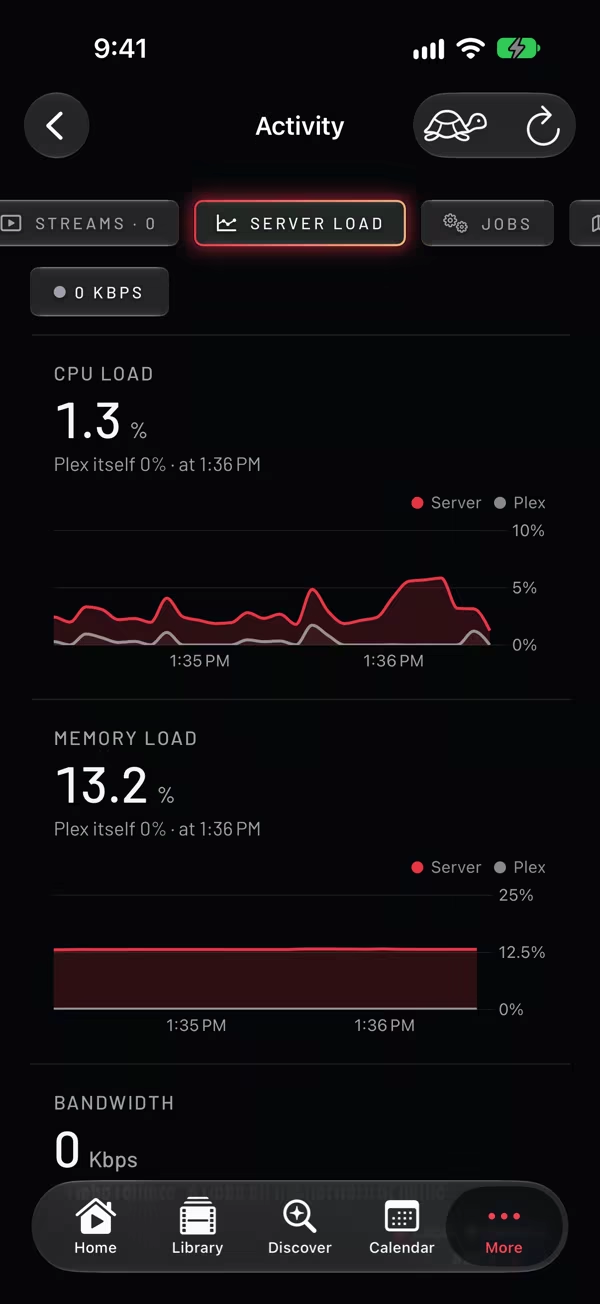
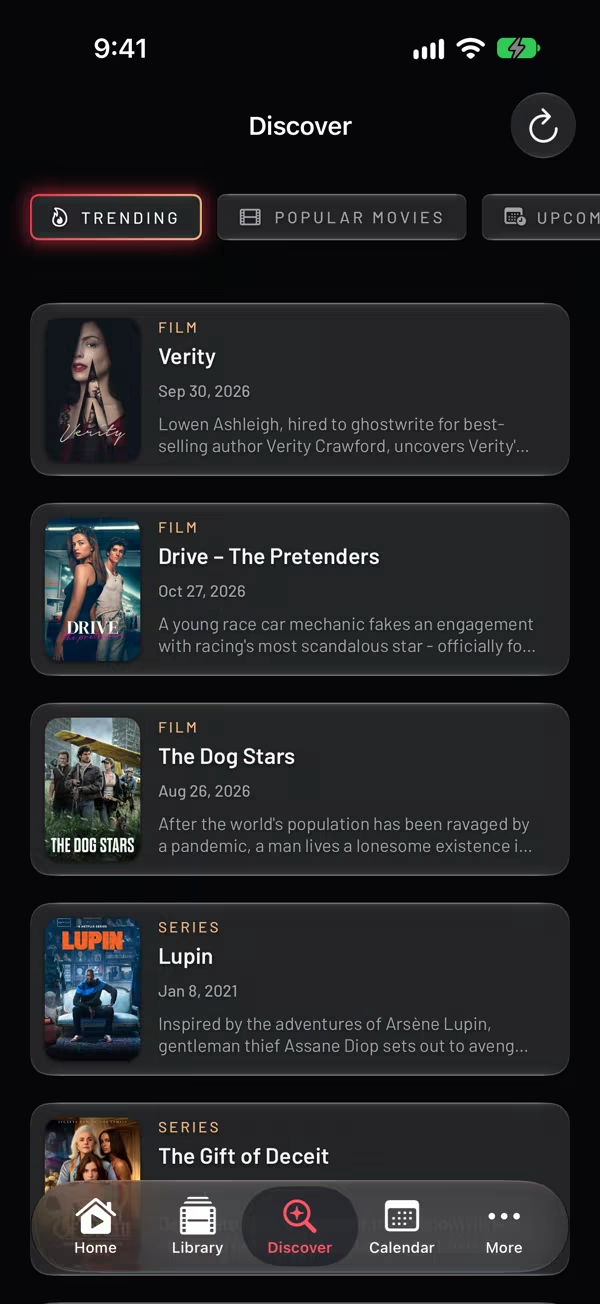
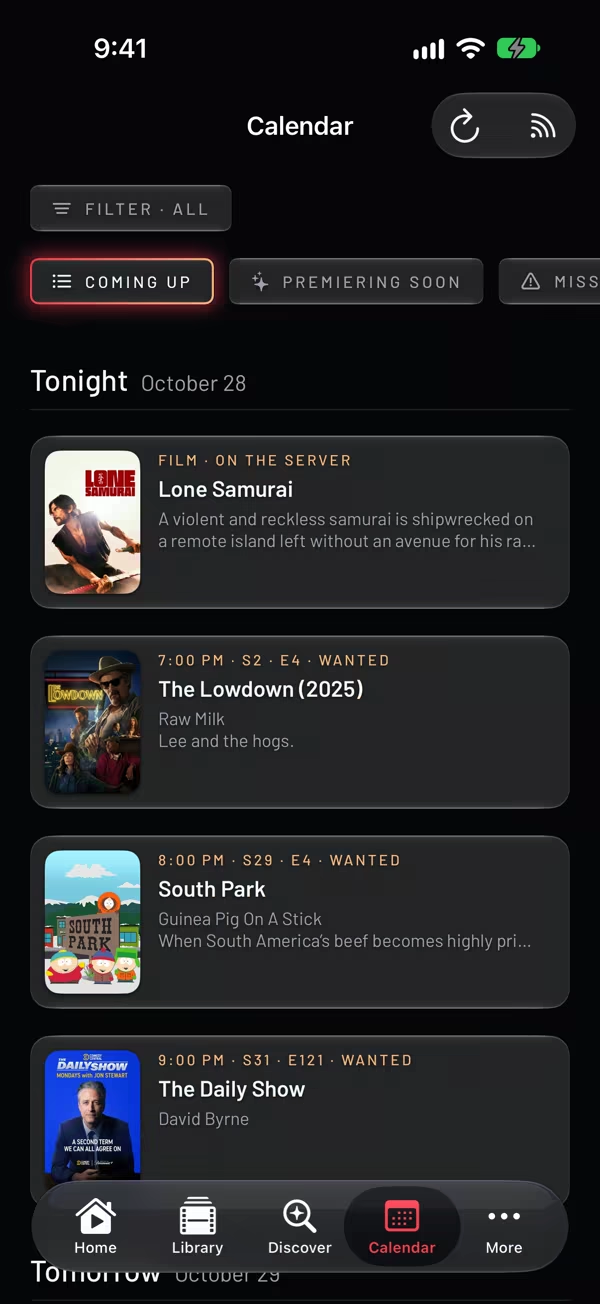
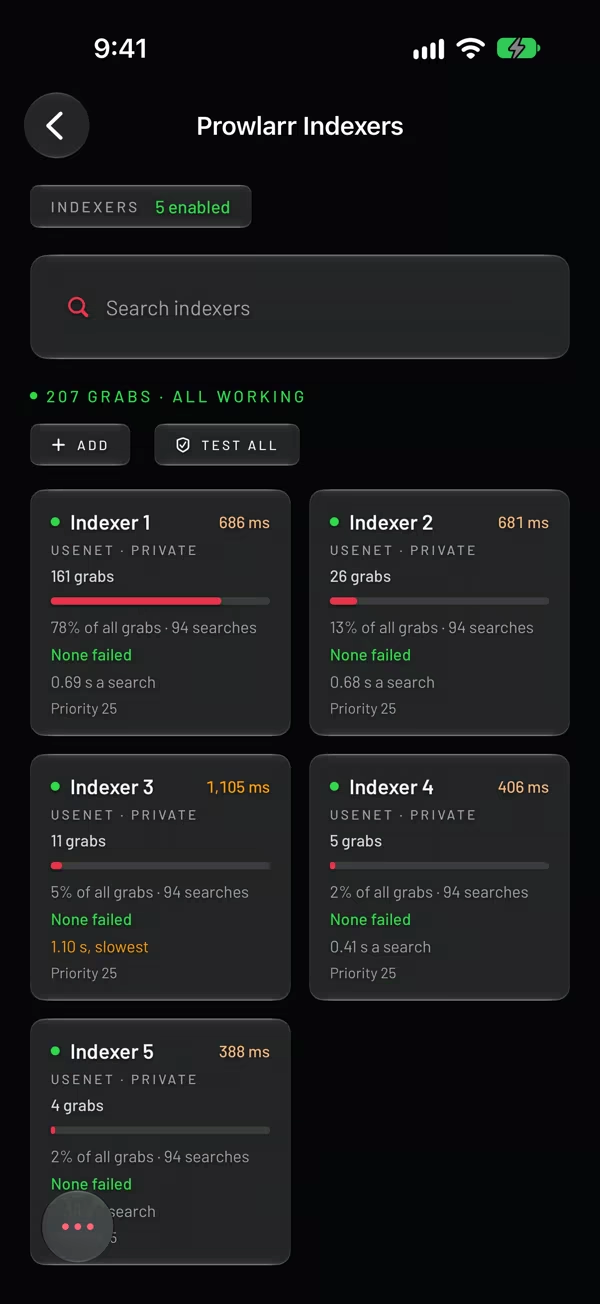
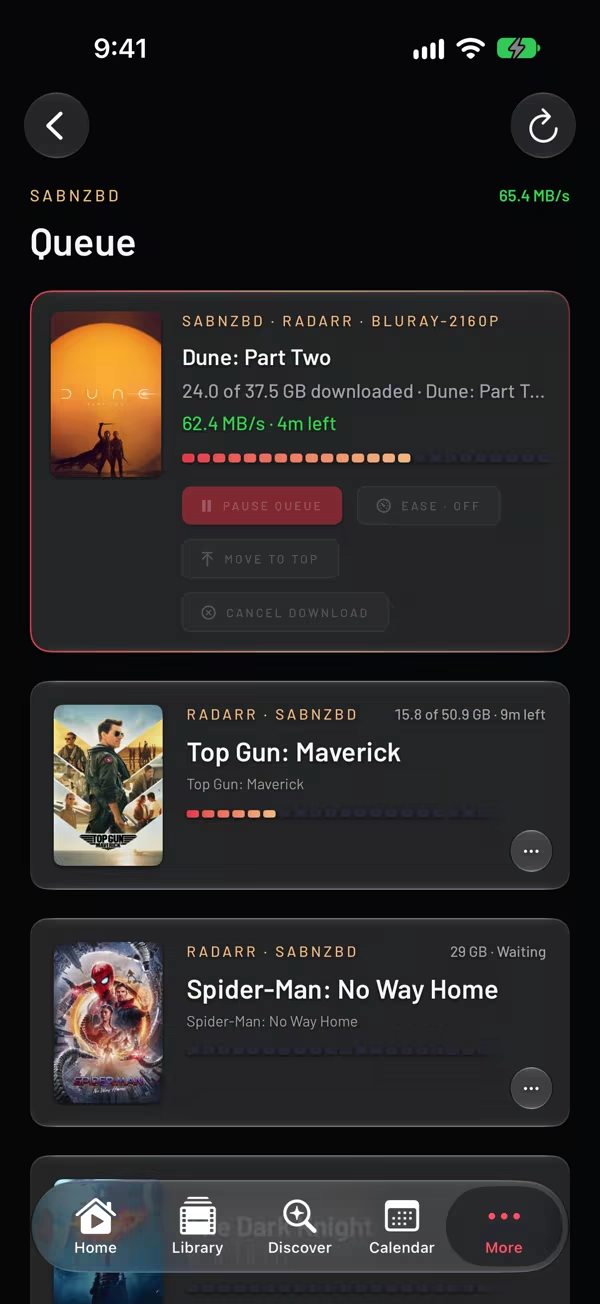
Plex takes care of playback. Add the rest of your setup when you want to manage it from Synctuary.
Browse and play your movies and shows, pick up where you left off, and explore collections and playlists. Direct play or a server transcode when needed, with HDR and Dolby Vision on supported setups.
FreeBrowse Plex’s free live channels. With PRO, add your own IPTV playlist or provider login.
Free / PROSee who’s watching, check active streams, and look back through viewing history. Connect Tautulli to the Plex server you want to monitor.
PROFind a movie for tonight or your next series. Make and follow requests, handle approvals, and check issues with the permissions your account allows.
PROAdd and monitor shows and movies. Search for missing releases and check upcoming dates in Calendar.
PROSearch your indexers and see which ones are working, without leaving the app.
PROFollow download progress, pause or resume queues, and check download history.
PROCPU, memory and bandwidth charts in the screenshots use Plex data.
Start with Plex and add the services you use. Synctuary fits the setup you already have.
Watch your Plex library. Browse collections, choose a Home profile, and tune into Plex’s free live channels.
Manage your services, monitor activity, download for later, and add your own IPTV sources.
Take movies and episodes with you on iPhone, iPad or Mac. Smart Downloads keep the next unwatched episodes ready, and progress syncs back to Plex.
Use your own servers. Connect only what you need. Service credentials stay in your Keychain. There is no Synctuary account and no tracking.
No. Connect Plex to watch your library, then add the services you want. Synctuary does not install or host them for you.
Yes. Choose Have a look first when the app opens, and try every feature, PRO included, with a small sample library.
Synctuary connects to your own Plex library and the services you set up. Plex’s free channels come from Plex. Your own IPTV needs a playlist or provider login.
Synctuary is built for iPhone, iPad, Mac and Apple TV. Offline downloads are available with PRO on iPhone, iPad and Mac.
Choose a monthly or yearly subscription, each with a free trial for new subscribers, or a one-time purchase. Prices are shown in the app. Plex playback and library browsing are free.
Synctuary is on the App Store for Apple TV now. On your Apple TV, open the App Store and search for Synctuary. The iPhone, iPad and Mac versions are with Apple for review and will follow soon.